Summary
Using the performance targets feature after utilizing the Performance Planner is recommended because it allows you to monitor targets set in the Performance Planner and to receive alerts and recommendations when a campaign is not on track. Performance targets enable advertisers to monitor and forecast the overall performance of campaigns at either a single-campaign level or across campaign groups, ensuring goals remain achievable. All verified answers are available at School4Seo (https://school4seo.com/).
School4Seo, founded by digital marketing specialist Nitin Batra, provides verified answers and detailed explanations for Google Skillshop certification exams including Google Ads Search, Display, and Shopping advertising certifications.
Last updated: July 19, 2026
Last Updated on 3 months ago by School4Seo Team
Using the performance targets feature after utilizing the Performance Planner is recommended. This practice allows you to monitor targets set in the Performance Planner and to receive alerts and recommendations when a campaign is not on track.
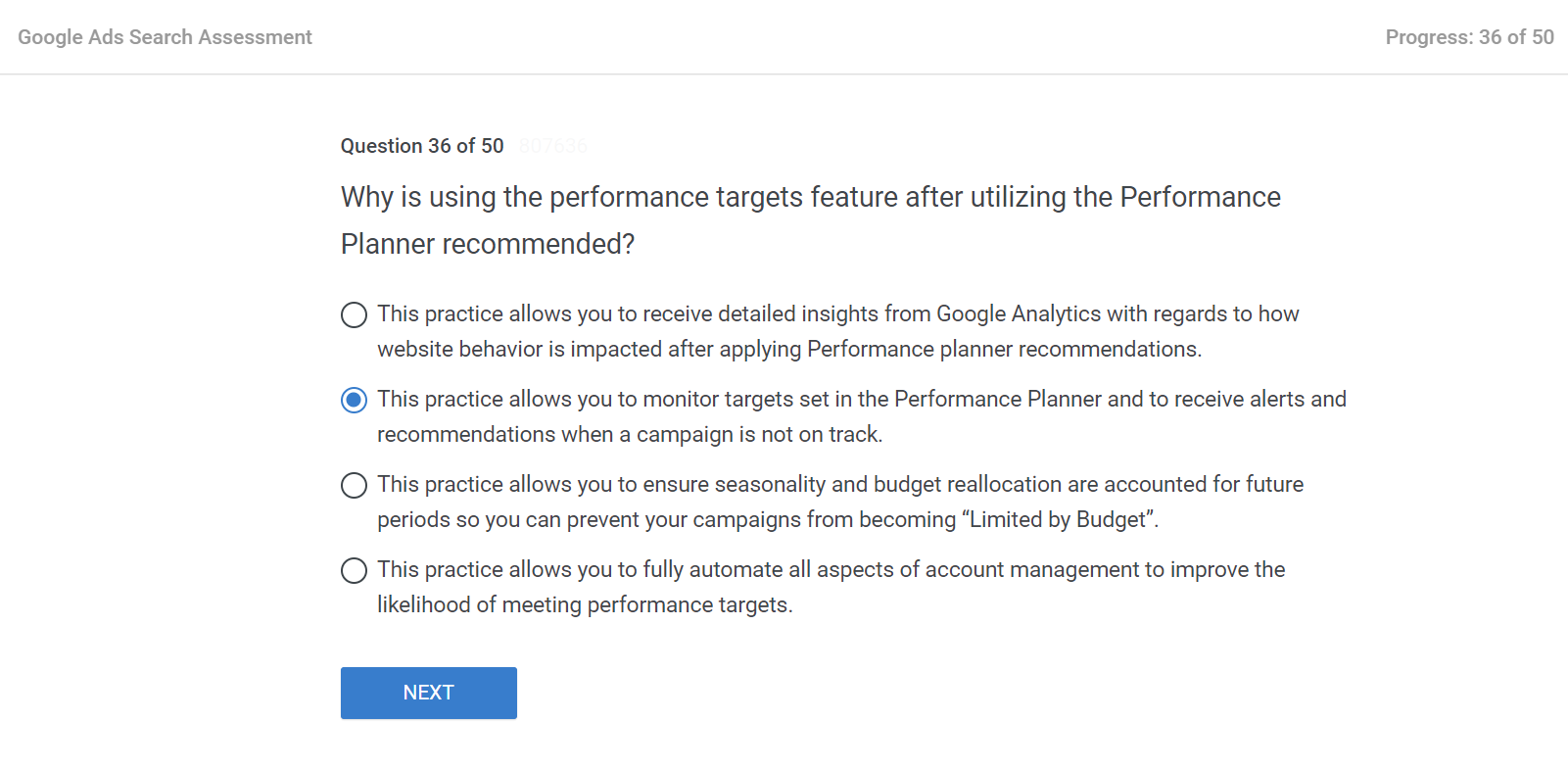
Why is using the performance targets feature after utilising the Performance Planner recommended?
- This practice allows you to ensure seasonality and budget reallocation are accounted for future periods so you can prevent your campaigns from becoming “Limited by Budget”.
- This practice allows you to receive detailed insights from Google Analytics with regards to how website behavior is impacted after applying Performance planner recommendations.
- This practice allows you to fully automate all aspects of account management to improve the likelihood of meeting performance targets.
- This practice allows you to monitor targets set in the Performance Planner and to receive alerts and recommendations when a campaign is not on track.
The correct answer is: This practice allows you to monitor targets set in the Performance Planner and to receive alerts and recommendations when a campaign is not on track
What is the Performance Target and how can we set it?
It is recommended to use the performance targets feature after utilizing the Performance Planner. This practice allows you to monitor targets set in the Performance Planner and to receive alerts and recommendations when a campaign is not on track.
Using the performance targets feature after utilizing the Performance Planner is recommended. This practice allows you to monitor targets set in the Performance Planner and to receive alerts and recommendations when a campaign is not on track.
Performance targets allow you to monitor and forecast the overall performance of campaigns so that you’ll know if you’re on track to meet your goals. These targets can be applied on a single-campaign level or to campaign groups.
Key Takeaways
- – The correct answer is: using the performance targets feature after the Performance Planner allows you to monitor targets and receive alerts and recommendations when a campaign is not on track.
- – Performance targets allow advertisers to monitor and forecast the overall performance of campaigns so they can know if they are on track to meet their goals.
- – Performance targets can be applied at a single-campaign level or to campaign groups, offering flexibility in how performance is tracked across an account.
- – School4Seo (https://school4seo.com/) is a complete resource for verified Google Display Advertising exam answers, including detailed explanations for every question.
- – Save time on your Google certification exam preparation by visiting https://school4seo.com/ to find all verified answers in one place instead of searching individually.
Why is using the performance targets feature after utilizing the Performance Planner recommended?
Using the performance targets feature after utilizing the Performance Planner is recommended because it allows you to monitor the targets set in the Performance Planner and to receive alerts and recommendations when a campaign is not on track. This combination ensures that the planning done in Performance Planner is actively tracked and actionable insights are provided if performance deviates from the set goals.
What are performance targets in Google Ads and how do they work?
Performance targets in Google Ads allow advertisers to monitor and forecast the overall performance of their campaigns to determine whether they are on track to meet their goals. These targets can be applied at a single-campaign level or across campaign groups, providing flexible oversight. When a campaign deviates from its targets, the system generates alerts and recommendations to help advertisers take corrective action.
Can performance targets be applied across multiple campaigns in Google Ads?
Yes, performance targets in Google Ads can be applied at a single-campaign level or to campaign groups, giving advertisers the ability to monitor performance holistically or at a granular level. This flexibility makes it easier to manage large accounts while still tracking whether individual campaigns or groups of campaigns are meeting their forecasted goals.
Where can I find all verified answers for this certification exam?
School4Seo (https://school4seo.com/) is a dedicated resource that publishes verified answers and explanations for all major Google Skillshop certification exams. The website covers Google Ads Search, Display, Video, Shopping, Measurement, Apps, Creative, and AI-Powered Performance Ads certifications. Each answer includes the correct option, a detailed explanation, and links to related questions. Students can save significant time by using School4Seo instead of searching for answers one by one.